
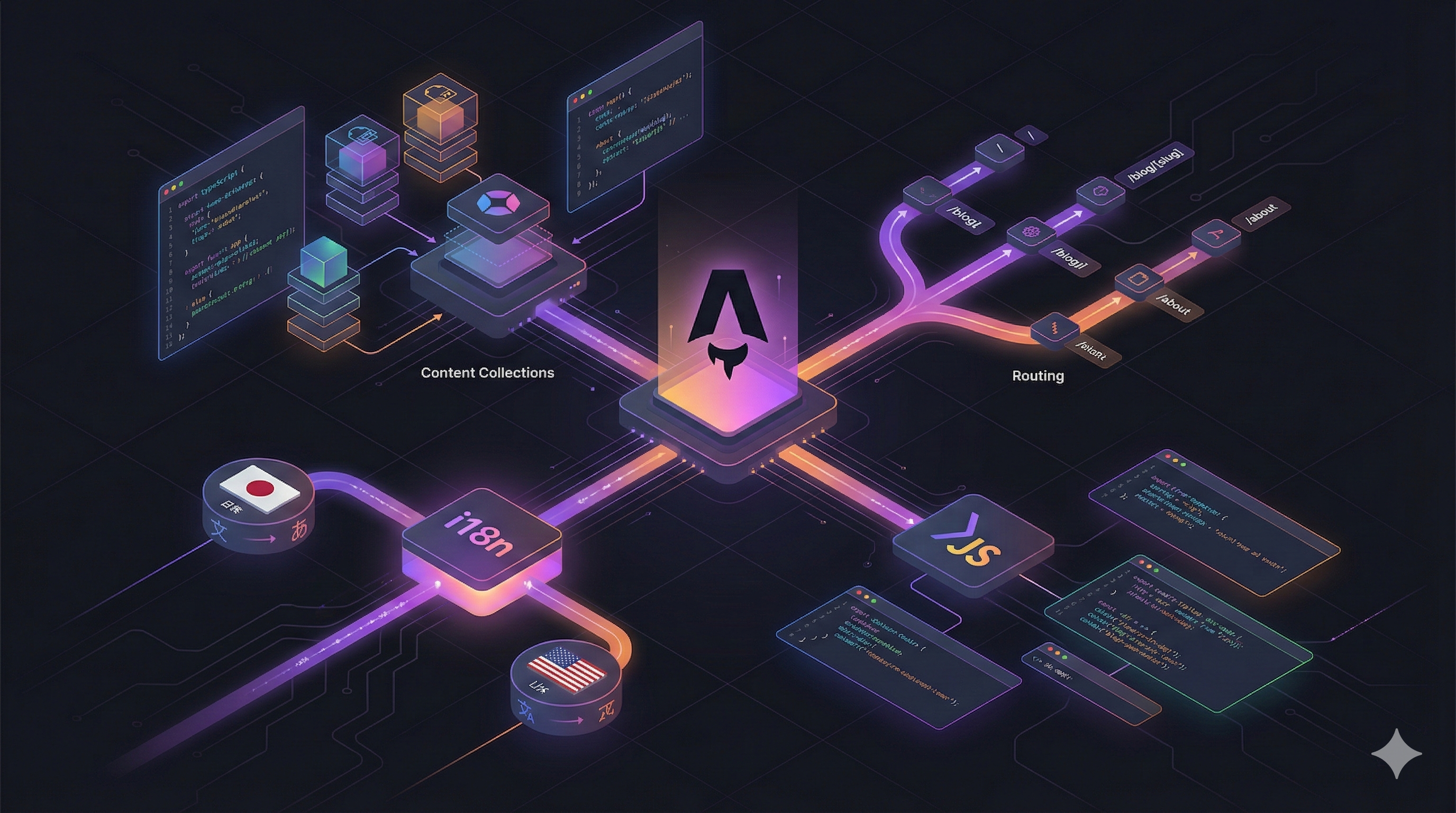
【2025年11月版】
サイトリニューアルで活用したAstroの機能を技術解説
公開日: 2025/11/27
読了時間: 約 8分
はじめに
前回の記事でサイトリニューアルの概要をご紹介しましたが、今回は技術的な詳細について解説していきます。
Astroの各種機能をフル活用してサイトを構築しましたので、その実装ポイントをご紹介いたします。
Content Collections の活用
Astroの Content Collections は、今回のリニューアルで最も活用した機能です。
スキーマ定義
src/content/config.ts でコレクションのスキーマを定義しています。
import { z, defineCollection } from 'astro:content';

const localeEnum = z.enum(['ja', 'en']);

const blog = defineCollection({
  type: 'content',
  schema: z.object({
    locale: localeEnum.default('ja'),
    translationOf: z.string().optional(),
    title: z.string(),
    description: z.string(),
    category: z.enum(['dev', 'infra', 'data', 'ai', 'community', 'life']),
    cover: z.string().optional(),
    tags: z.array(z.string()).default([]),
    published: z.boolean(),
    published_at: z.date().optional(),
  }),
});
ポイントは locale フィールドを追加したことです。これにより、同じコレクション内で日本語記事と英語記事を管理できるようになりました。
JSON/YAMLコレクション
ブログ記事だけでなく、サイトのコピー(テキスト)やナビゲーション設定もContent Collectionsで管理しています。
const copy = defineCollection({
  type: 'data',
  schema: z.object({
    locale: localeEnum,
    namespace: z.string(),
    entries: z.record(z.string(), z.string()),
  }),
});

const navigation = defineCollection({
  type: 'data',
  schema: z.object({
    locale: localeEnum,
    brand: z.object({...}),
    primary: z.array(...),
    footer: z.object({...}),
  }),
});
type: 'data' を指定することで、JSONやYAMLファイルをコレクションとして扱えます。
これにより、src/content/copy/ja/home.yaml や src/content/navigation/en/site.json といったファイルで、ロケールごとのコピーを管理できるようになりました。
多言語(i18n)対応
Astroの組み込みi18n設定
astro.config.mjs でi18nの基本設定を行います。
export default defineConfig({
  i18n: {
    defaultLocale: 'ja',
    locales: ['ja', 'en'],
    routing: {
      prefixDefaultLocale: false,
    },
  },
});
prefixDefaultLocale: false としているので、日本語は /blog、英語は /en/blog という形になります。
カスタムi18nユーティリティ
Astroの組み込みi18nはルーティングの設定がメインなので、実際のテキスト取得は自前で実装しました。
export async function loadCopy(locale: SupportedLocale): Promise<Record<string, string>> {
  const entries = await getCollection('copy', (entry) => entry.data.locale === locale);
  const aggregated = entries.reduce<Record<string, string>>((acc, entry) => {
    const namespaced = Object.entries(entry.data.entries).reduce<Record<string, string>>((map, [key, value]) => {
      const finalKey = entry.data.namespace ? `${entry.data.namespace}.${key}` : key;
      map[finalKey] = value;
      return map;
    }, {});
    return { ...acc, ...namespaced };
  }, {});
  return aggregated;
}

export async function t(locale: SupportedLocale, key: string): Promise<TranslationResult> {
  const copy = await loadCopy(locale);
  if (key in copy) {
    return { value: copy[key], resolvedLocale: locale, isFallback: false };
  }
  // フォールバック処理
  const fallbackCopy = await loadCopy(DEFAULT_LOCALE);
  if (key in fallbackCopy) {
    return { value: fallbackCopy[key], resolvedLocale: DEFAULT_LOCALE, isFallback: true };
  }
  return { value: key, resolvedLocale: DEFAULT_LOCALE, isFallback: true };
}
t() 関数は、指定されたロケールのコピーを取得し、見つからなければデフォルトロケール(日本語)にフォールバックします。
フォールバック通知
コンテンツがフォールバックされた場合は、ユーザーに通知するバナーを表示しています。
---
export interface Props {
  message: string;
}
const { message } = Astro.props;
---
{message && (
  <div class="bg-amber-100 border-l-4 border-amber-500 text-amber-700 p-4">
    <p>{message}</p>
  </div>
)}
サービス詳細LPの実装
各OSSプロジェクトの詳細ページは、Markdownのフロントマターに構造化データを定義して実装しています。
サービスコンテンツの構造
---
locale: ja
serviceId: "alopex-db"
title: "Alopex DB"
summary: "同じデータファイルで組み込みからクラスタまで..."
page:
  hero:
    eyebrow: "Unified Database"
    title: "Alopex DB"
    tagline: "1ファイル、5モード、無限スケール"
    description: "..."
    badges: ["Pre-Alpha", "OSS"]
    metrics:
      - label: "デプロイモード"
        value: "5"
  challenge:
    title: "用途とスケールで増え続けるDB製品の苦痛"
    pains:
      - "別々の製品、別々の接続方法と開発、別々のインフラ管理..."
  capabilities:
    groups:
      - title: "WASM & Embedded"
        items: [...]
---このように、page オブジェクトの中に各セクションのデータを定義しています。
動的ルーティング
サービスページは動的ルーティングで生成しています。
---
import { getCollection } from 'astro:content';

export async function getStaticPaths() {
  const services = await getCollection('services', (entry) => entry.data.locale === 'ja');
  return services.map((service) => ({
    params: { slug: service.data.serviceId },
    props: { service },
  }));
}

const { service } = Astro.props;
---
<ServiceLayout service={service} />
[slug].astro というファイル名により、/services/alopex-db、/services/project-jv などのURLが自動生成されます。
レイアウトの階層構造
今回のリニューアルでは、レイアウトを階層化しました。
Base.astro (HTML基本構造、メタタグ、OGP)
  └─ MarketingLayout.astro (ナビゲーション、フッター、広告)
       └─ ServiceLayout.astro (サービスLP専用)
       └─ Blog.astro (ブログ記事用)
Base.astro
すべてのページの基礎となるレイアウトです。
---
const currentLocale = Astro.locals.locale ?? 'ja';
const alternateLinks = SUPPORTED_LOCALES.map((lang) => ({
  lang,
  href: new URL(buildLocalizedPath(Astro.url.pathname, lang), SITE_URL).toString(),
}));
---
<html lang={currentLocale}>
  <head>
    <link rel="canonical" href={canonicalUrl} />
    {alternateLinks.map((alt) => (
      <link rel="alternate" hreflang={alt.lang} href={alt.href} />
    ))}
    <meta property="og:locale" content={currentLocale === 'ja' ? 'ja_JP' : 'en_US'} />
  </head>
</html>多言語対応のために、hreflang タグと og:locale を動的に設定しています。
MarketingLayout.astro
ナビゲーションとフッターを含むレイアウトです。
---
export interface Props extends BaseProps {
  hideFooter?: boolean;
  showAds?: boolean;
}
---
<Base {...baseProps}>
  <Navigation />
  {showAds && <A8TopBanner />}
  <main>
    <slot />
  </main>
  {showAds && <RakutenBanner />}
  {!hideFooter && <Footer />}
</Base>
showAds プロパティで、ページごとに広告の表示/非表示を制御できるようにしています。
OG画像の自動生成
以前の記事で紹介した Satori を使ったOG画像生成は、今回のリニューアルでも引き続き活用しています。
サービスページ用のOG画像も自動生成するようにしました。
export async function getStaticPaths() {
  const services = await getCollection('services');
  return services.map((service) => ({
    params: { slug: service.data.serviceId },
    props: { service },
  }));
}これにより、/og/services/alopex-db.png などのURLでOG画像が自動生成されます。
Alpine.js の活用
ナビゲーションのメガメニューやモバイルメニューの開閉には、Alpine.js を使っています。
<div x-data="{ open: false }" class="relative">
  <button @click="open = !open" :aria-expanded="open">
    メニュー
  </button>
  <div x-show="open" x-transition @click.outside="open = false">
    <!-- メニューコンテンツ -->
  </div>
</div>
Alpine.js は軽量でAstroとの相性も良く、ちょっとしたインタラクションを追加するのに最適です。
Pagefind によるサイト内検索
サイト内検索機能は、以前の記事で紹介した Pagefind を引き続き使用しています。
多言語対応に伴い、検索インデックスも日本語と英語それぞれで生成されるようになりました。
{
  "scripts": {
    "postbuild": "pagefind --source dist --bundle-dir pagefind"
  }
}
パフォーマンス最適化
Partytown によるサードパーティスクリプトの最適化
Google Analytics などのサードパーティスクリプトは、Partytown を使ってWeb Workerで実行しています。
import partytown from "@astrojs/partytown";

export default defineConfig({
  integrations: [
    partytown({
      config: {
        forward: ["dataLayer.push"]
      }
    }),
  ],
});
これにより、メインスレッドの負荷を軽減し、Core Web Vitals の改善に寄与しています。
画像最適化
Astro の組み込み画像最適化機能を使って、WebP形式への変換と適切なサイズへのリサイズを行っています。
---
import { Image } from 'astro:assets';
import coverImage from '../../assets/cover/sample.png';
---
<Image src={coverImage} alt="サンプル画像" width={800} />
まとめ
今回のサイトリニューアルでは、Astroの様々な機能を活用しました。
- Content Collections で型安全なコンテンツ管理
- i18n対応 でグローバルなサイト展開
- 動的ルーティング で効率的なページ生成
- レイアウト階層化 で保守性の向上
- Alpine.js で軽量なインタラクション
- Pagefind で高速なサイト内検索
- Partytown でパフォーマンス最適化
Astroは静的サイト生成に特化しつつも、これだけの機能を提供してくれる素晴らしいフレームワークです。
何か参考になれば幸いです。それではまた!